Product manual - UNIT-4
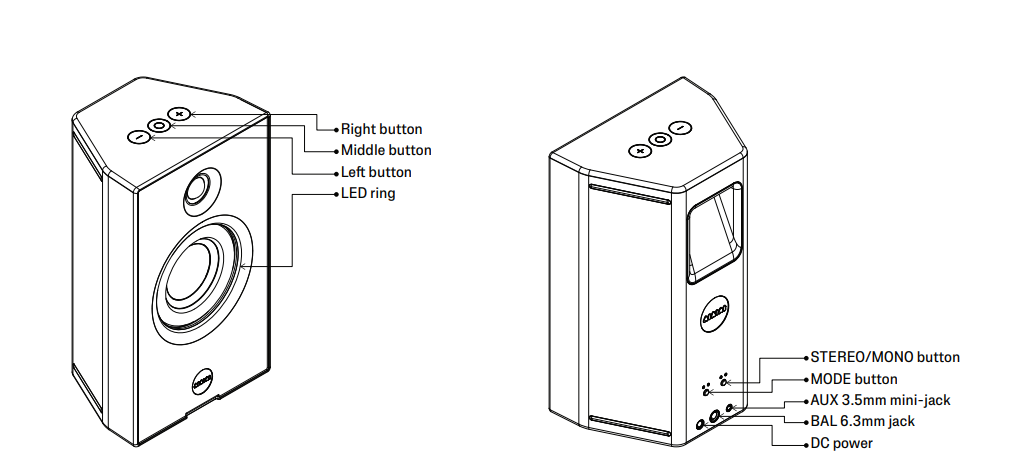
Hold the middle button for 2 seconds to turn UNIT-4 on. The Mode button chooses W+ Link or Bluetooth®. The Stereo/Mono button chooses Left, Right, or Mono.
Key facts
With two UNIT-4, do each step on both.
- Power. Hold the middle button for 2 seconds.
- Mode. Press the Mode button for W+ Link or Bluetooth, or insert an audio cable.
- Bluetooth pairing. Hold the Mode button for 2 seconds.
- W+ Link. Please follow the steps in How do I pair X04 with UNIT-4?. For X02, please follow the steps in How do I pair X02 with UNIT-4?
- Left, right or mono. Press the Stereo/Mono button. The settings are Left, Right, and Mono.
- Volume. Single press the + or − button.
- Mute. Single press the middle button.
- LED ring. Triple press the middle button to turn it off or on. Brightness is in the AIAIAI app.
- EQ. UNIT-4 is studio-flat out of the box. Please follow the steps in How do I adjust the EQ on UNIT-4?
- Battery. Double press the middle button to see the level. Please follow the steps in How do I charge UNIT-4?
- Size. 2540 g. 156 x 258 x 114 mm (W x H x D).
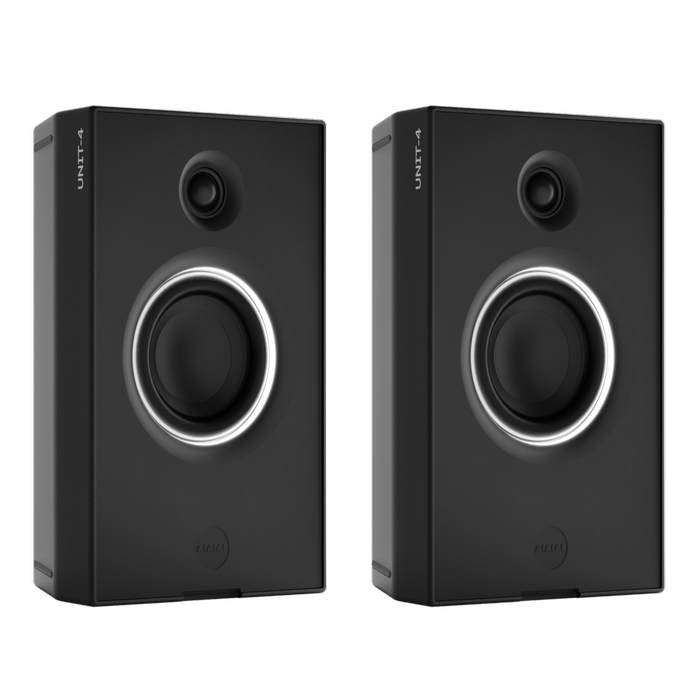
Products referenced in this article
Follow





Subscribe
© 2026 AIAIAI. All Rights Reserved.