How do I pair X02 with UNIT-4?
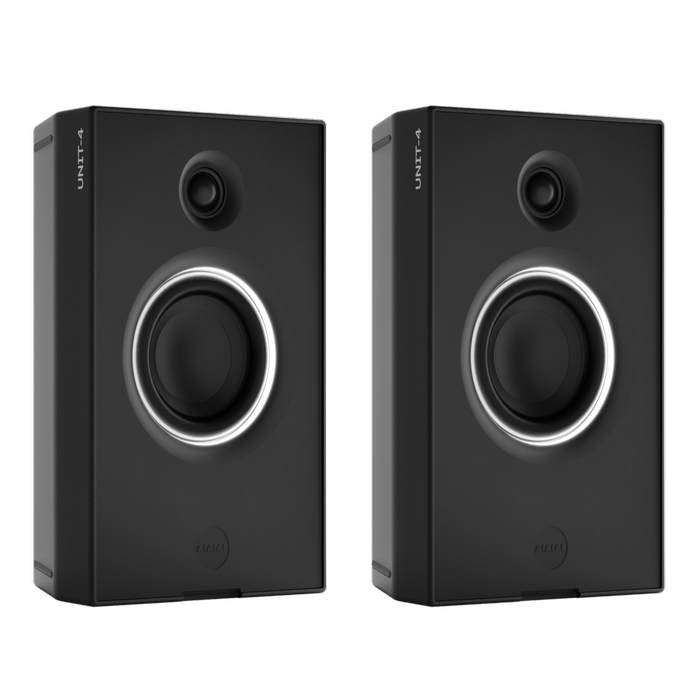
Turn each UNIT-4 on and hold the Mode button for 2 seconds. Then turn X02 on. The first time, X02 pairs on its own. LED 1 turns solid white for the first speaker, and LED 2 for the second.
Before you start
X02 powers from USB-C. With a 3.5 mm mini-jack source, use a USB-C adapter of 5V and more than 2A, such as a phone charger or a power bank.
Steps
- Turn each UNIT-4 on. Hold the middle button for 2 seconds.
- Press the Mode button until the speaker is in W+ Link.
- Hold the Mode button for 2 seconds. Repeat on the other speaker before you turn X02 on.
- Turn X02 on. The first time, it starts in pairing mode on its own.
- Wait until LED 1 is solid white. With a second speaker, wait until LED 2 is solid white too.
To pair again later, put both UNIT-4 in pairing mode first. Then hold the X02 button for 2 seconds.
If it doesn't work
- Only one speaker pairs. Hold the Mode button on the other UNIT-4 for 2 seconds. Then hold the X02 button for 2 seconds.
- The transmitter is X04. Please follow the steps in How do I pair X04 with UNIT-4?
Products referenced in this article
Follow





Subscribe
© 2026 AIAIAI. All Rights Reserved.