Product Manual - TMA-2 Studio Wireless
S11 Speaker units Functions - General | Functions - Bluetooth mode only |
|---|---|
Choose mode: Double press the joystick.
Check battery level: Turn off S11, LED shows level for 1 sec.
Reset S11 paired devices: With power on, hold the joystick to the right for approx. 10 sec. The LED will flash when reset. | Play/Pause: Press the joystick once.Next/previous track: Move the joystick left or right.Answer/end incoming call: Press the joystick once.Mute/unmute mic during ongoing call: Hold the joystick left for 2 sec.Activate assistant: Hold the joystick up for 2 sec.
|
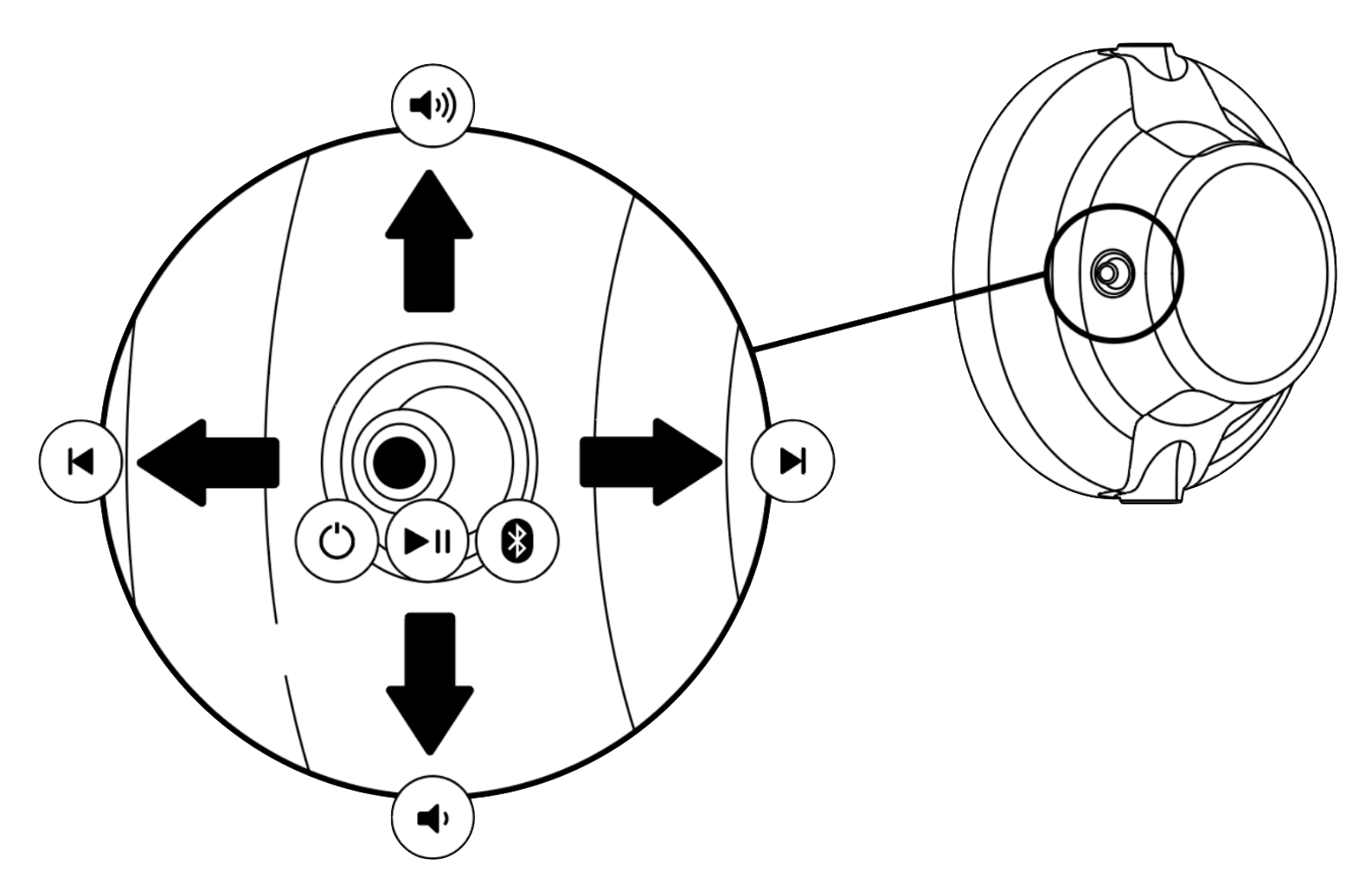
S11 LED Feedback
| State | LED | |
|---|---|---|
| Bluetooth Mode | W+ Link Ultra Low Latency | |
| Not paired (idle mode) | Flashing blue (1 sec on, 1 sec off, loop) | Flashing white (1 sec on, 1 sec off, loop) |
| In pairing mode | Flashing blue (0.3 sec on, 0.3 sec off, loop) | Flashing white (0.3 sec on, 0.3 sec off, loop) |
| Paired and connected | Constant blue | Constant white |
| Resetting pairing | Flashing blue 5 times (0.1 sec on, 0.1 sec off) | Flashing white 5 times (0.1 sec on, 0.1 sec off) |
| Battery indicator (Displayed for 1 sec after power off) | 10 - 20 hours - Constant green 1.5 - 10 hours - Constant red Less than 1.5 hours - Flashing red (0.3 sec on, 0.3 sec off) | |
| Low battery indicator (Power on) | Flashing red (0.3 sec on, 0.3 sec off) | |
| Charging | Fully charged - Constant green 10-20 hours - Flashing green (1 sec on , 1 sec off) 0 - 10 hours - Flashing red (1 sec on, 1 sec off) |
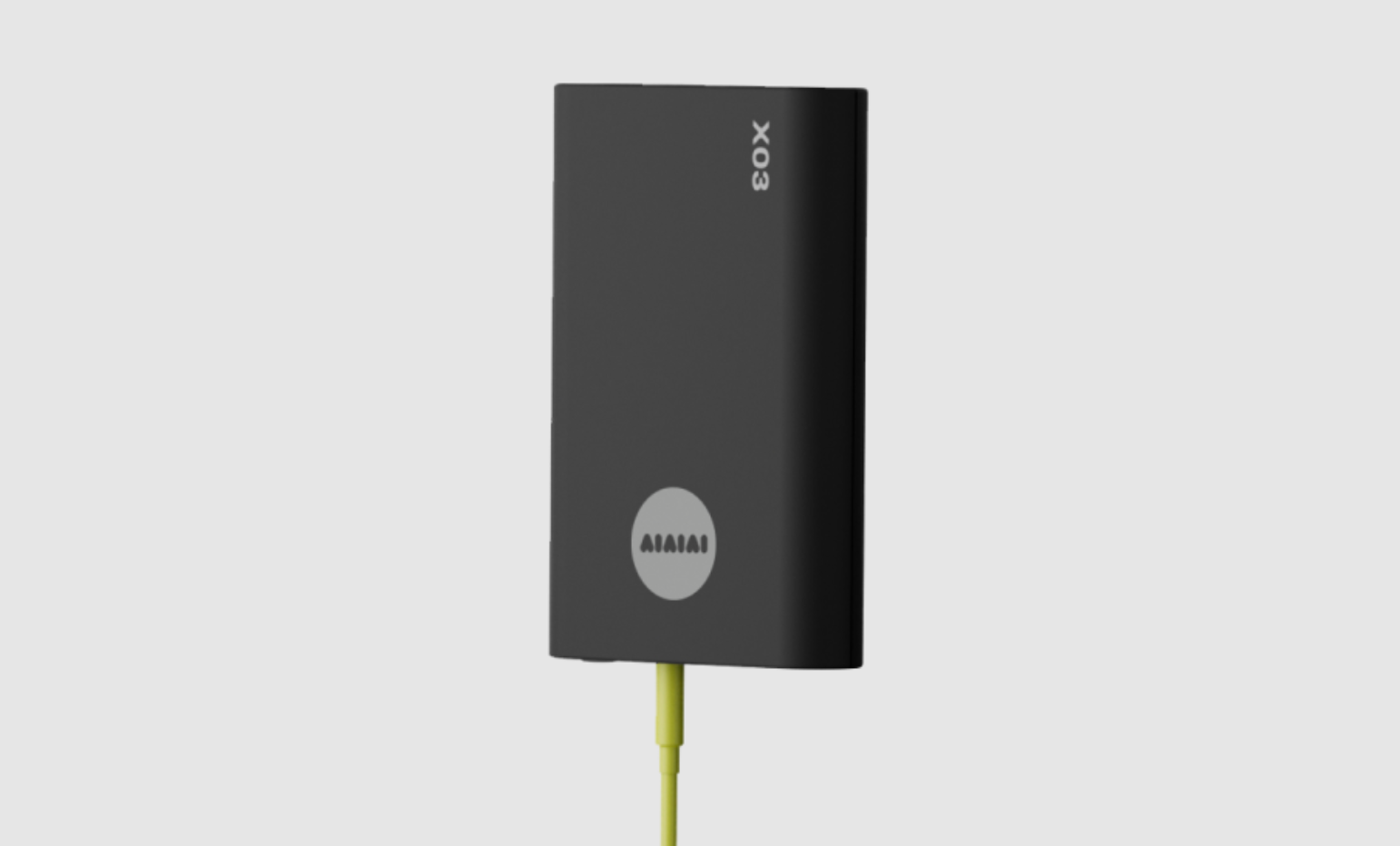
X03 Transmitter - Product Manual
Compatible with S11 Speaker Units
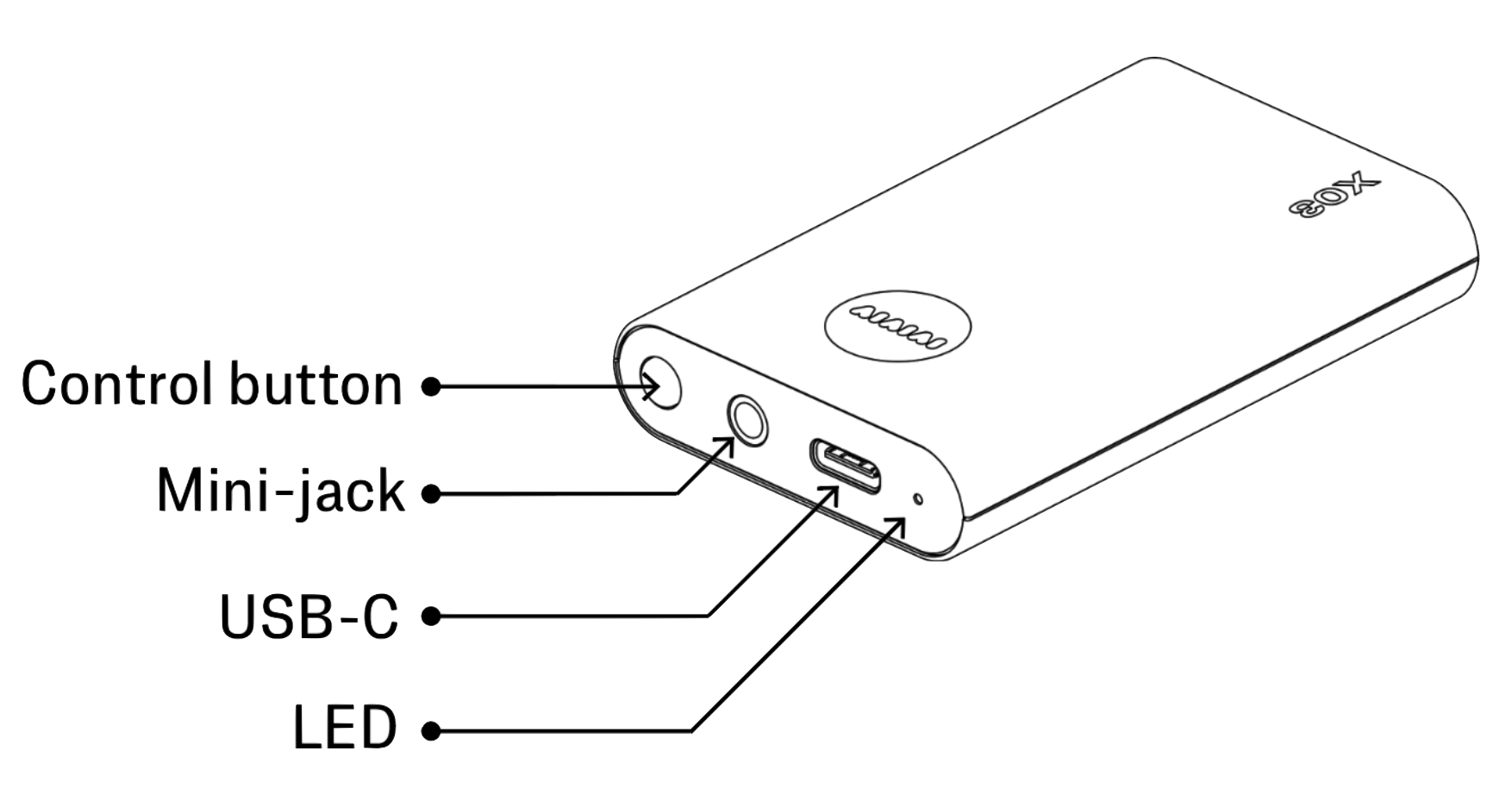
X03 Button Functions
- Power X03 ON: Press and hold the button for 2 seconds, until the LED turns on.
- Power X03 OFF: Press and hold the button for 2 seconds, until the LED turns off.
- Check battery level: Press the button once.
- Red: <10 hours.
- Amber: 10-20 hours.
- Green: 20+ hours.
- Enter pairing mode: With power off, hold the button for 4 sec, until the LED starts flashing rapidly.
- Reset S11 paired devices: With power off, hold the button for 8 sec. The LED will flash rapidly to confirm reset.
X03 LED Feedback
| State | LED Feedback |
| Not paired (Idle mode) | LED flashing white (1 sec on, 1 sec off, loop) |
| Pairing mode | LED flashing white (0.3 sec on, 0.3 sec off, loop) |
| Paired | Constant white |
| Reset paired device list | LED flashing fast 5 times (0.1 sec on, 0.1 sec off) |
| Battery status (power on) | Push the control button. Battery is displayed for 3 sec. 20 - 40 hours - Constant green 10 - 20 hours - Constant amber 3 - 10 hours - Constant red 0 - 3 hours - Flashing red (0.3 sec on, 0.3 sec off) |
| Low battery indicator (power on) | Flashing red (0.3 sec on, 0.3 sec off) |
| Charging (power on) | Battery status is shown for 3 sec after USB-C charger connected Check battery status by pressing the button |
| Charging (power off) | Fully charged - Constant green 20 - 40 hours - Flashing green (1 sec on, 1 sec off) 10 - 20 hours - Flashing amber (1 sec on, 1 sec off) 0 - 10 hours - Flashing red (1 sec on, 1 sec off) |
Video guides
Follow





Subscribe
© 2026 AIAIAI. All Rights Reserved.