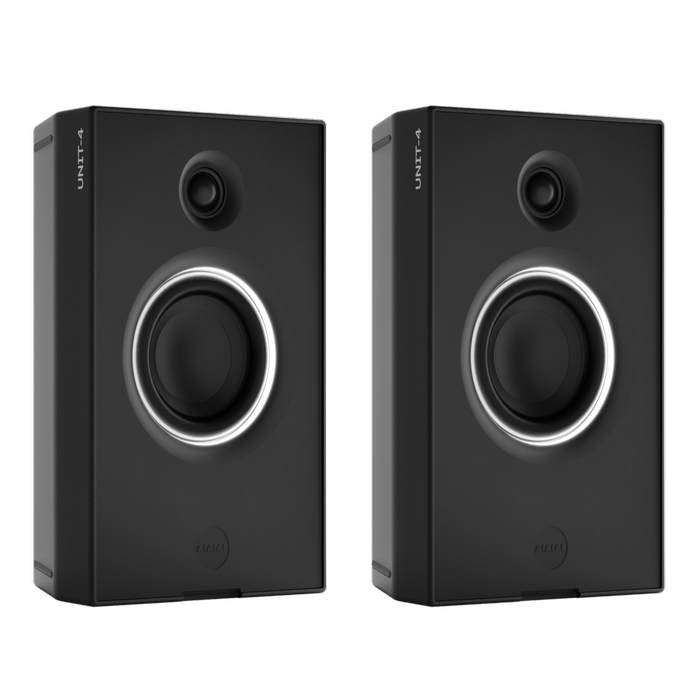
How do I pair two UNIT-4 over Bluetooth?
Put both UNIT-4 in Bluetooth®, hold the Mode button for 2 seconds on each, and set one to Left and the other to Right.
Steps
- Press the Mode button so each speaker is in Bluetooth.
- Hold the Mode button for 2 seconds on each speaker.
- Press the Stereo/Mono button. Set one speaker to Left and the other to Right.
Watch two UNIT-4 pair over Bluetooth:

If it doesn't work
- Only one speaker connects. Set one to Left and the other to Right. Hold the Mode button for 2 seconds on each.
- Both UNIT-4 play the same channel. Press the Stereo/Mono button on one of them.
Products referenced in this article
Follow





Subscribe
© 2026 AIAIAI. All Rights Reserved.