H10 Headband & X01 Transmitter
Here, you can find the product manuals for the main components in our TMA-2 Studio Wireless+ headphones, the H10 Headband and X01 Transmitter. You can learn about the buttons, their functions, playback controls and LED feedback.
Jump to section..
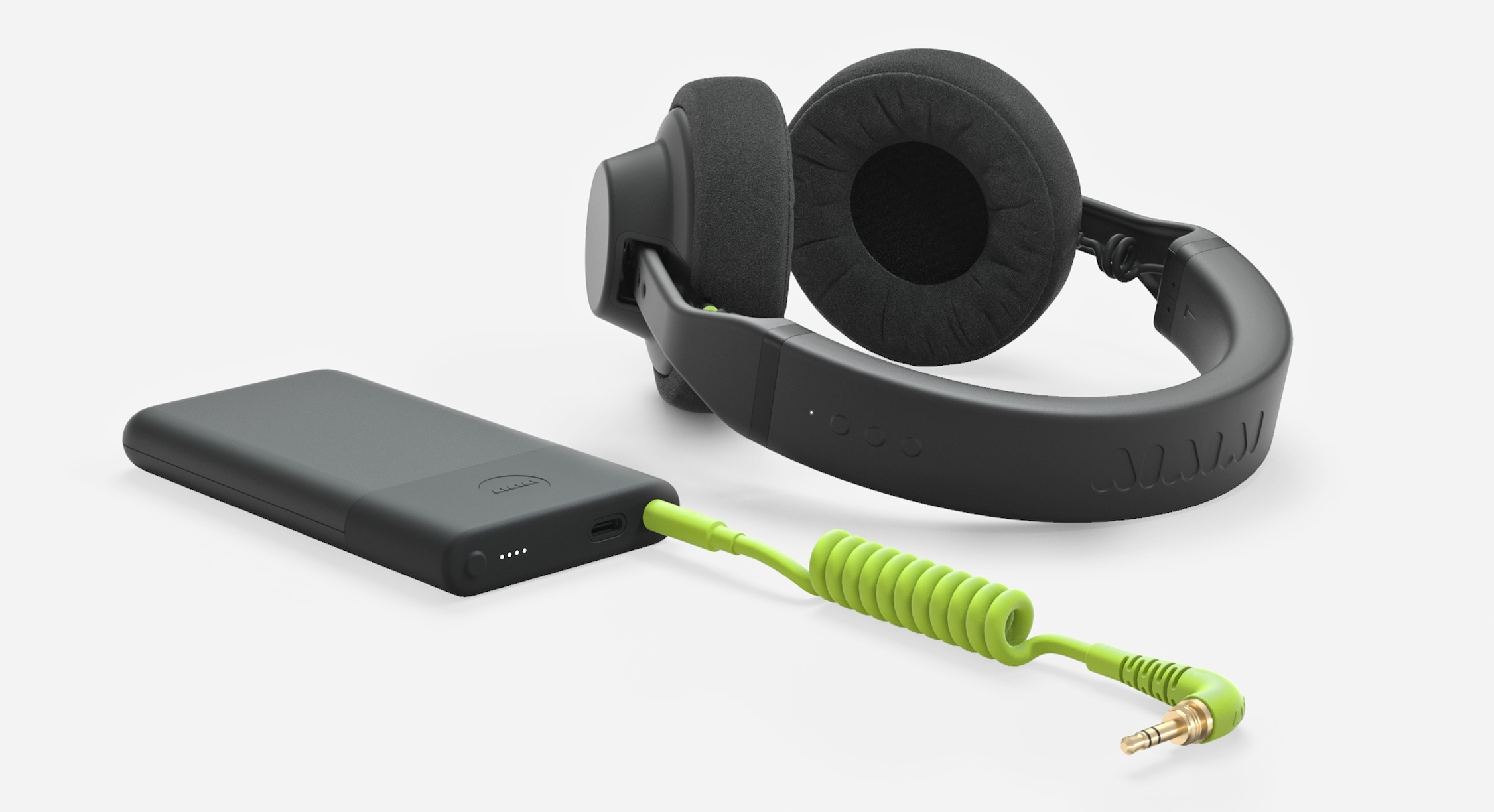
H10 Headband - Product Manual
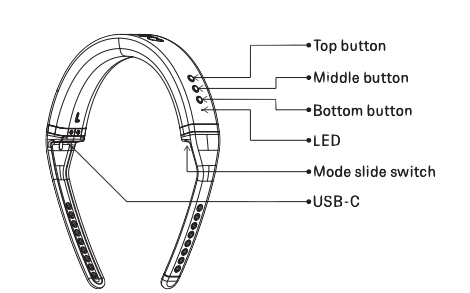
H10 General Functions | Bluetooth only: |
|---|---|
Choose mode: Flip switch
Power H10 ON/OFF
Enter pairing mode: Push top and bottom button until LED flashes rapidly Playback Controls:
| Call/Assistant:
|
H10 LED Feedback
| State | LED Response | |
|---|---|---|
| Bluetooth | W+ Link | |
| Power ON | On, Blue | On, White |
| Power OFF | Off | Off |
| Connected | Static Blue | Static White |
| Idle (Not Connected) | Blinking Blue (1s off, 1s on, loop) | Blinking White (1s off, 1s on, loop) |
| Idle (Battery level <10%) | Blinking Red (1s off, 1s on, loop) | Blinking Red (1s off, 1s on, loop) |
| Charging (0-50%) | Blinking Red (1s off, 1s on, loop) | Blinking Red (1s off, 1s on, loop) |
| Charging (51-99%) | Blinking Green (1s off, 1s on, loop) | Blinking Green (1s off, 1s on, loop) |
| Charging (100%) | Static Green | Static Green |
| Mode switch working W+ Link-->BT | Blinking Blue (1s off, 1s on, 2 cycles) | Blinking White (1s off, 1s on, 2 cycles) |
| Pairing mode | Blinking Blue (300ms off, 300ms on, loop) | Blinking White (300ms off, 300ms on, loop) |
X01 Transmitter - Product Manual

X01 General Functions
Power X01 ON: Push button until LED turns on (approx. 3 sec)
Power X01 OFF: Push button until LED turns off (approx. 3 sec).
Enter pairing mode: Double push button so LED flashes rapidly (power on).
Hard reset device: Push button (approx. 7 sec).
LED battery level indicator:
- <25% battery: LED one flashes.
- 25-50% battery: LED one-two static.
- 50-75% battery: LED one-two-three static.
- 75-100% battery: All LEDs static.
X01 LED Feedback
| State | LED Response |
|---|---|
| Power On | Solid light (3 sec), matching battery level |
| Power Off | LED |
| Turned On, idle and no link | Solid Light LED 1 (1 sec on,1 sec off) |
| Turned On, idle and linked to H10 | Solid Light LED 1 |
| Enter pairing mode | All LED's blinking (300ms on, 300ms off) loop |
| Hard reset device | 5 short flashes on all LEDs (< 0.5 sec on < 0.5 sec off) |
Download the PDF Product Manuals below:
Follow





Subscribe
© 2026 AIAIAI. All Rights Reserved.