AIAIAI x JJJJOUND
August 20th 2026 the AIAIAIxJJJJOUND collab went live. Built on a mutual respect for industrial purity and functional restraint, the project uses AIAIAI’s distinct silhouettes as canvases for a single, uncompromising vision. The resulting hardware collection highlights the products not just as listening tools, but as essential fixtures of the modern creative workspace. The AIAIAIxJJJJOUND is truly a collab is based on a shared vision centered around design with a passion for a minimal and simple visual language.
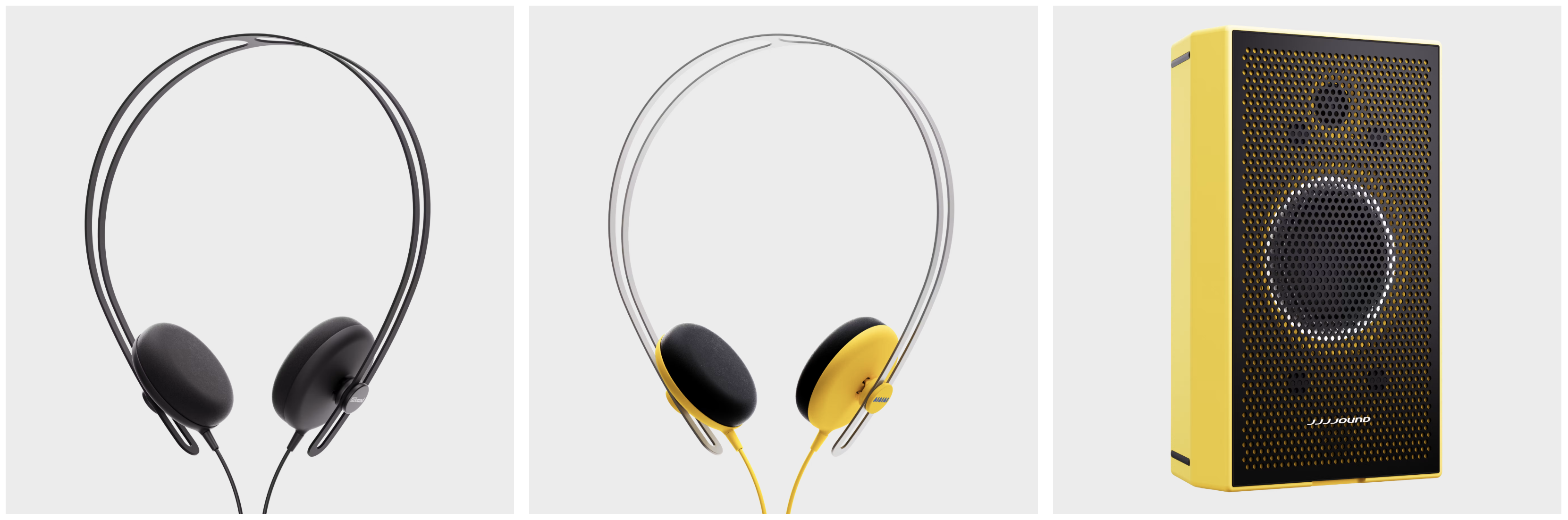
Tracks JJJJound Edition
Award-winning, supra-aural headphone with a subtle design, focusing on simple lines and an iconic shape. 40mm speaker drivers for a full-spectrum sound quality with a tight bass and detailed high frequency notes. Designed around an aluminum brace that acts as a rail system for the sliding ear cups.
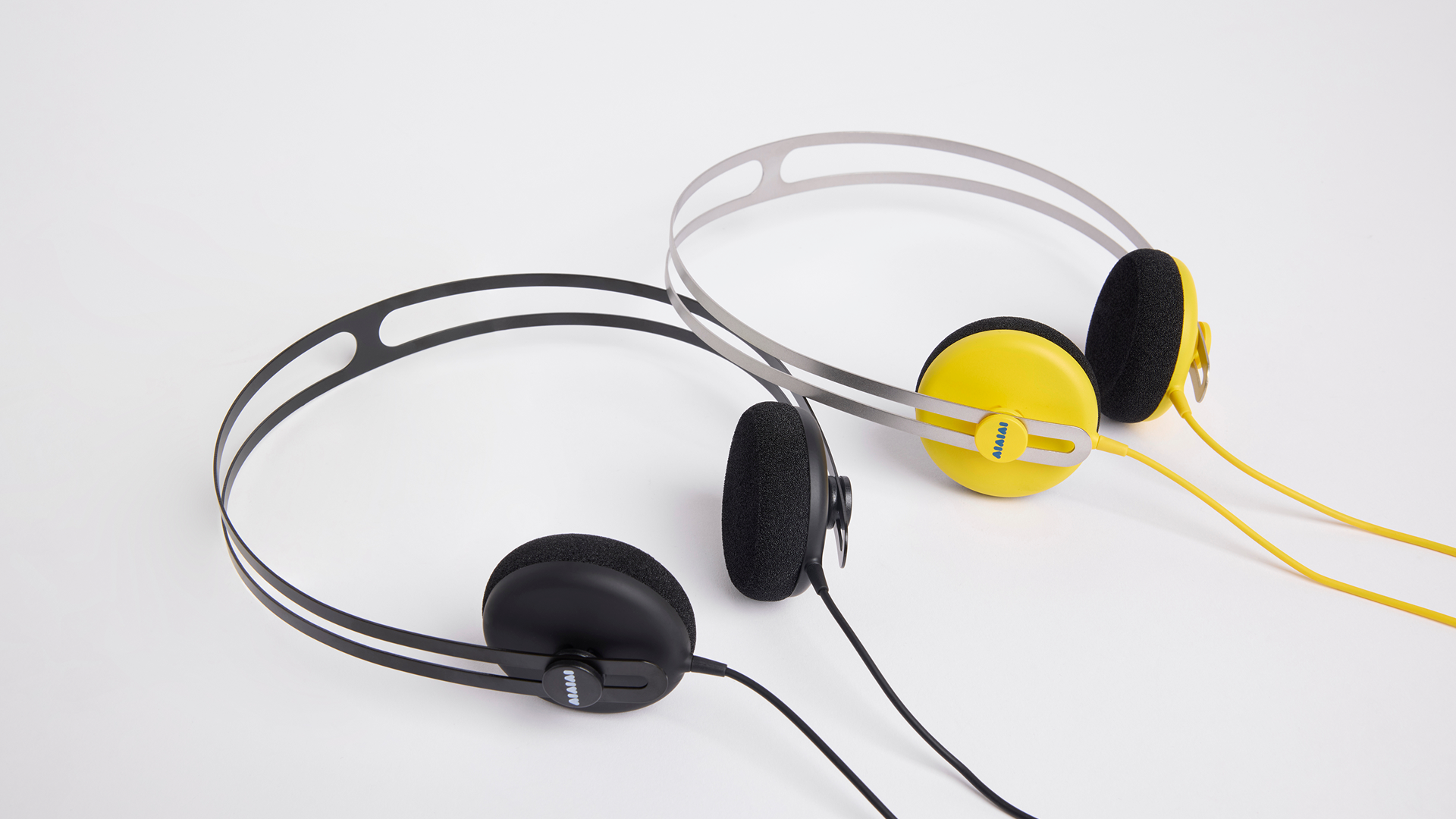
What's included: 1x Tracks JJJJound Edition, 2x extra pairs of sliders
Specifications
| Frequency range | 20 Hz - 20 kHz |
| Impedance (Ohm) | 32 |
| Driver diameter (mm) | 40 |
| Max power (mW) | 70 |
| Connector | USB-C |
UNIT-4 JJJJound Edition
Portable speaker with studio grade sound. Powerful performance and accurate sound representation. Battery-powered and wireless audio for a cable-free and seamless experience.
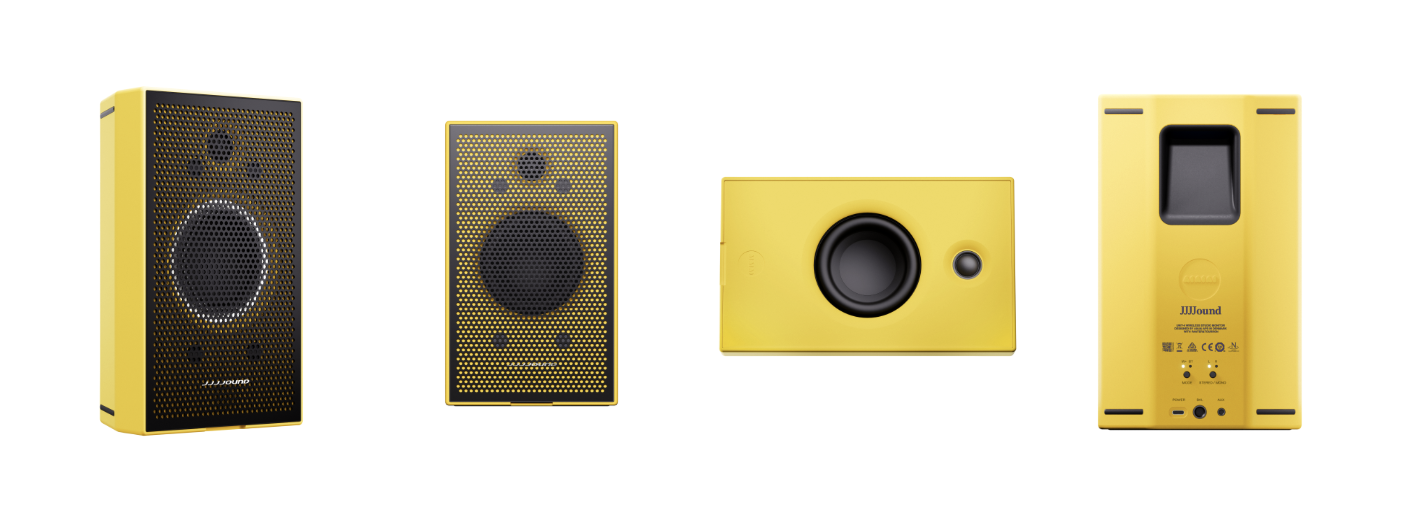
What's included: 1x UNIT-4 Wireless+, 1x Custom grill, 1x UNIT-4 Power supply, 1x Protective Pouch
Compatibility
The UNIT-4's are compatible with the X02 transmitter and can when connected to X02 play with a low latency under 16ms.
Note: The X02 Transmitter is a standard AIAIAI accessory and is only available in Black.
If you want extra accessories for your UNIT-4 you can find it here: Accessories
Specifications
| Frequency range | 40Hz to 40kHz, -10dB |
| Frequency response | 50Hz - 20kHz ±2dB |
| Bluetooth version | 5.2 |
| Charging time (hours) | 3 |
| Power supply | USB-C |
| EQ adjustment | 5-band adjustable EQ via AIAIAI app |
| Analog input | 3.5mm mini-jack stereo + 6.3mm TRS balanced mono |
Connecting via Bluetooth
- Power on your UNIT-4 by press and holding the middle button
- Hold the mode button for 2 seconds to enter pairing mode (LED blinking fast)
- Find AIAIAI UNIT-4 on your device and connect.
Follow